

LiveProductivity
TAP Freeze
Tap any card you own to freeze distracting apps. Only that card thaws them.
- Works offline
- No account

Video & Creator · by Shivoham Play
Screen recordings that look designed — with your OTPs, UPI IDs and emails blurred automatically. Everything happens on your phone.
At a glance
SmoothRec is an Android screen recorder and editor that turns raw recordings into polished demos: a phone frame on a designed background, smooth zooms where you tap, and automatic blur for emails, phone numbers, OTPs, UPI IDs and card numbers. It has no internet permission, no ads and no account — and it's in beta now, with a free tier and SmoothRec Pro at launch.
| What it does | Records or imports a screen video, frames it, zooms on taps and hides private info |
|---|---|
| Hides automatically | Emails, phone numbers, OTPs, UPI IDs, amounts, card numbers, API keys and your own words |
| Internet permission | None — the app cannot upload anything |
| Ads | None |
| Export | 720p free · 1080p and 4K with Pro, 30 or 60 fps |
| Formats | 9:16, 1:1, 4:5 and 16:9 |
| Android | Android 10 or newer |
Real life
Show family how to pay — without leaking the OTP, balance or UPI ID on screen.
Framed, zoomed, ready for Product Hunt, X or LinkedIn in minutes.
Support and QA teams can record repros and share them with anyone.
Auto-zoom keeps every tap readable on a small screen.
How it works
Record your screen with mic or app sound, or pick a video you already have.
Pick a frame, background and aspect ratio. Tap to add zooms. Review the private info SmoothRec found.
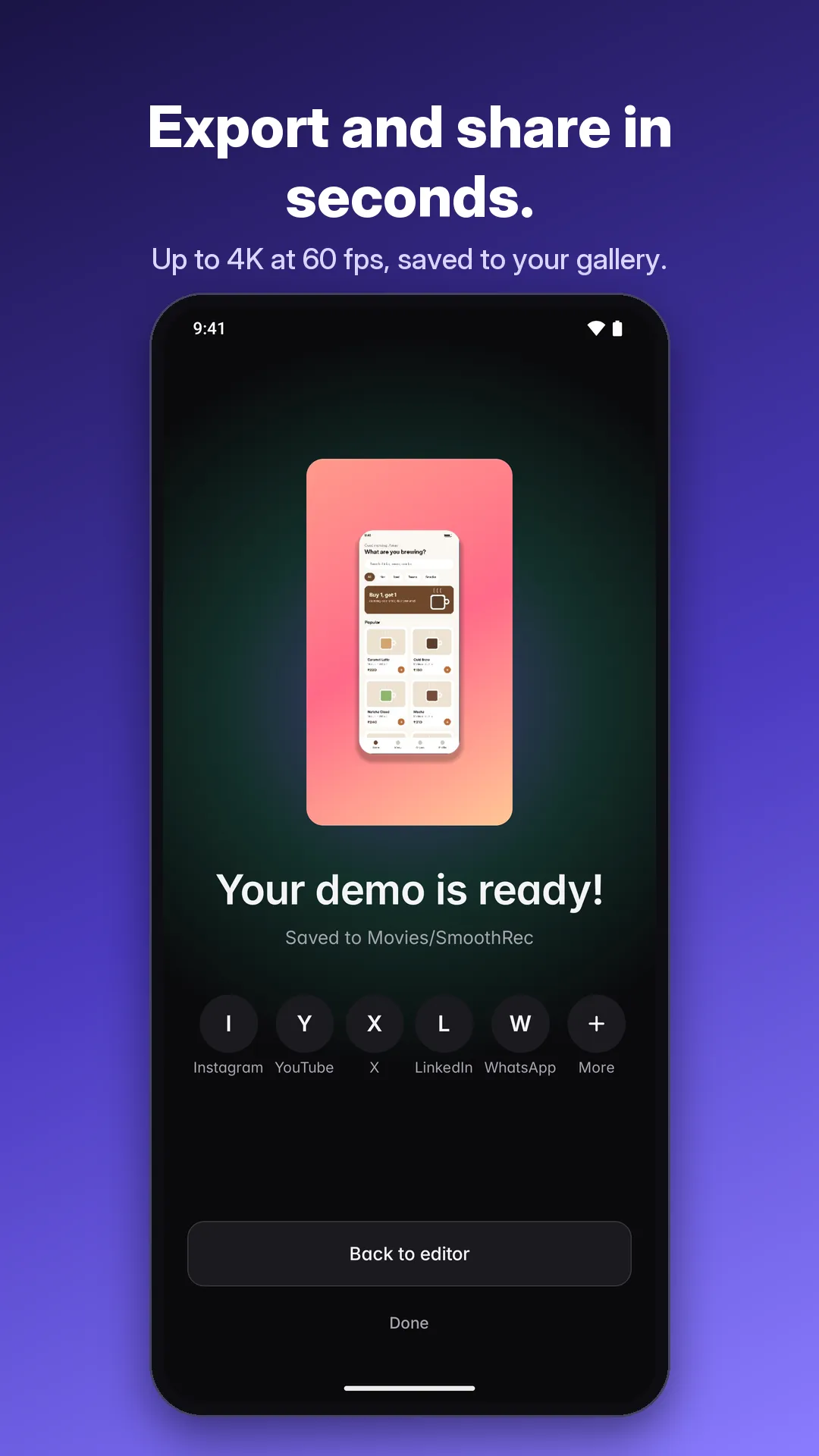
Up to 4K at 60 fps, saved to Movies/SmoothRec and ready to post.
Screen capture
To record your screen — only after you start a recording and confirm Android's prompt.
Microphone
Only if you choose to record your voice or a voiceover.
Notifications
For the recording controls: pause, resume and stop.
Screenshots
Features
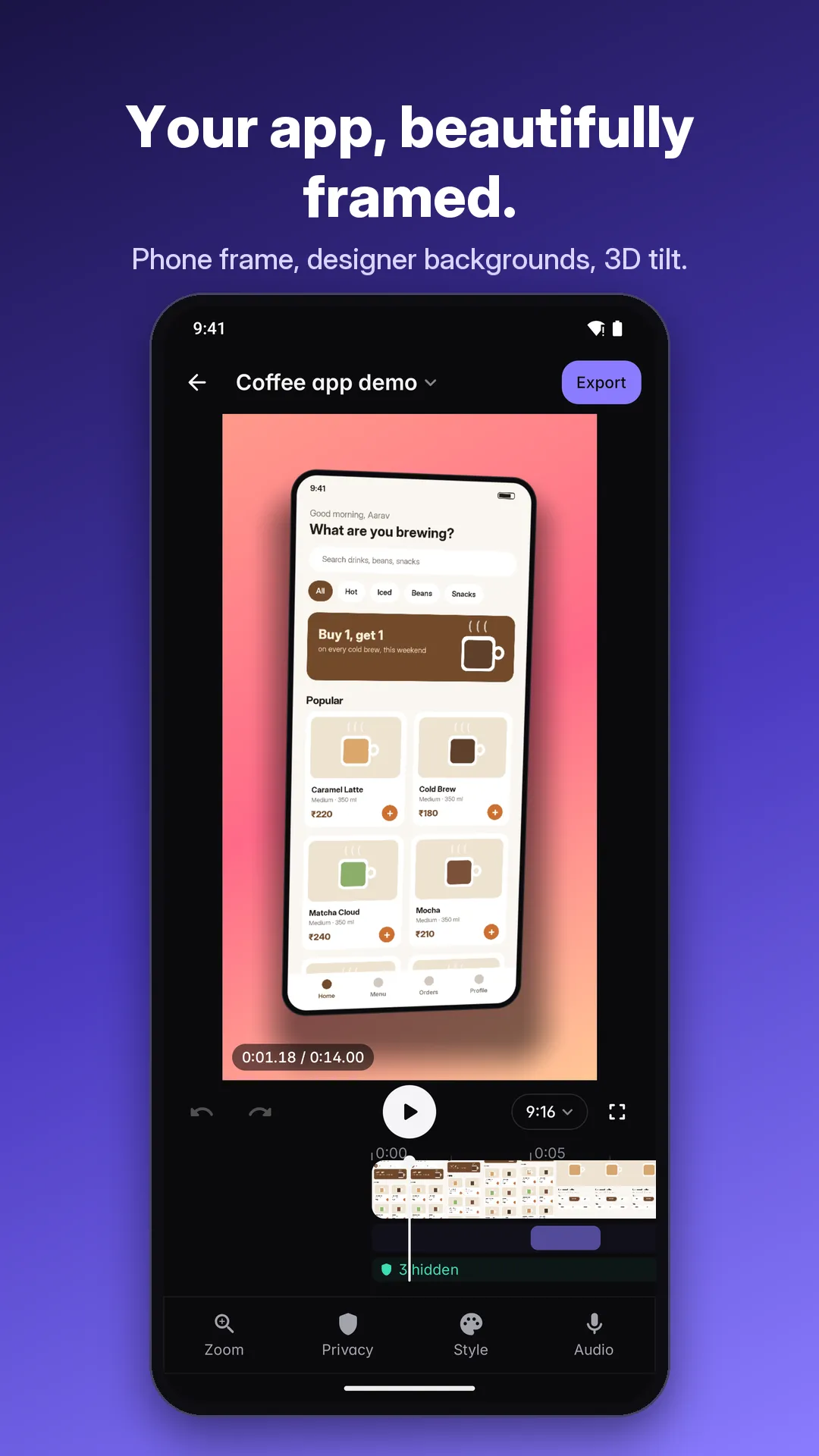
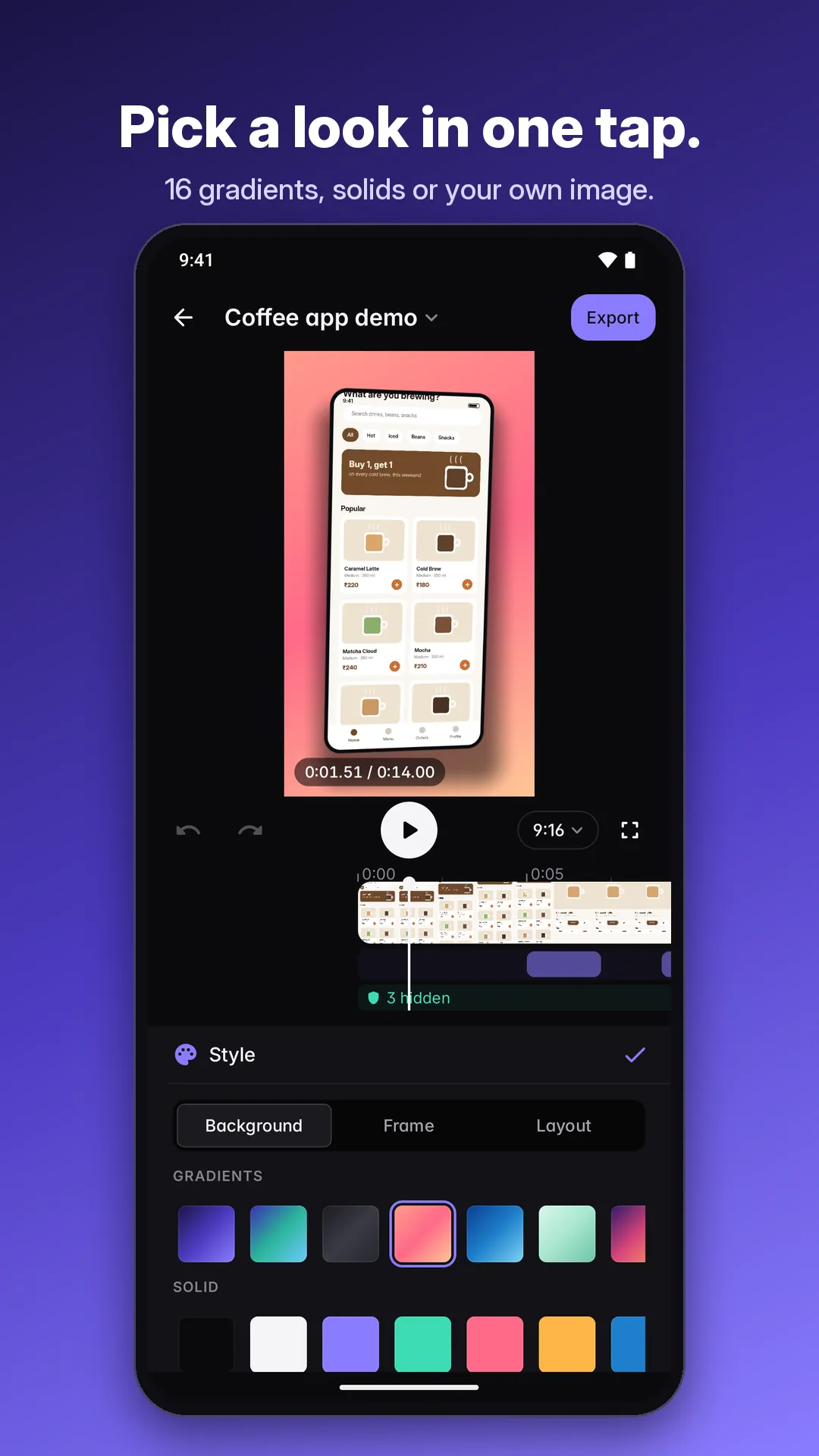
Phone frame with rounded corners, soft shadow and a Floating 3D tilt. 16 designer gradients, solid colours or your own background.
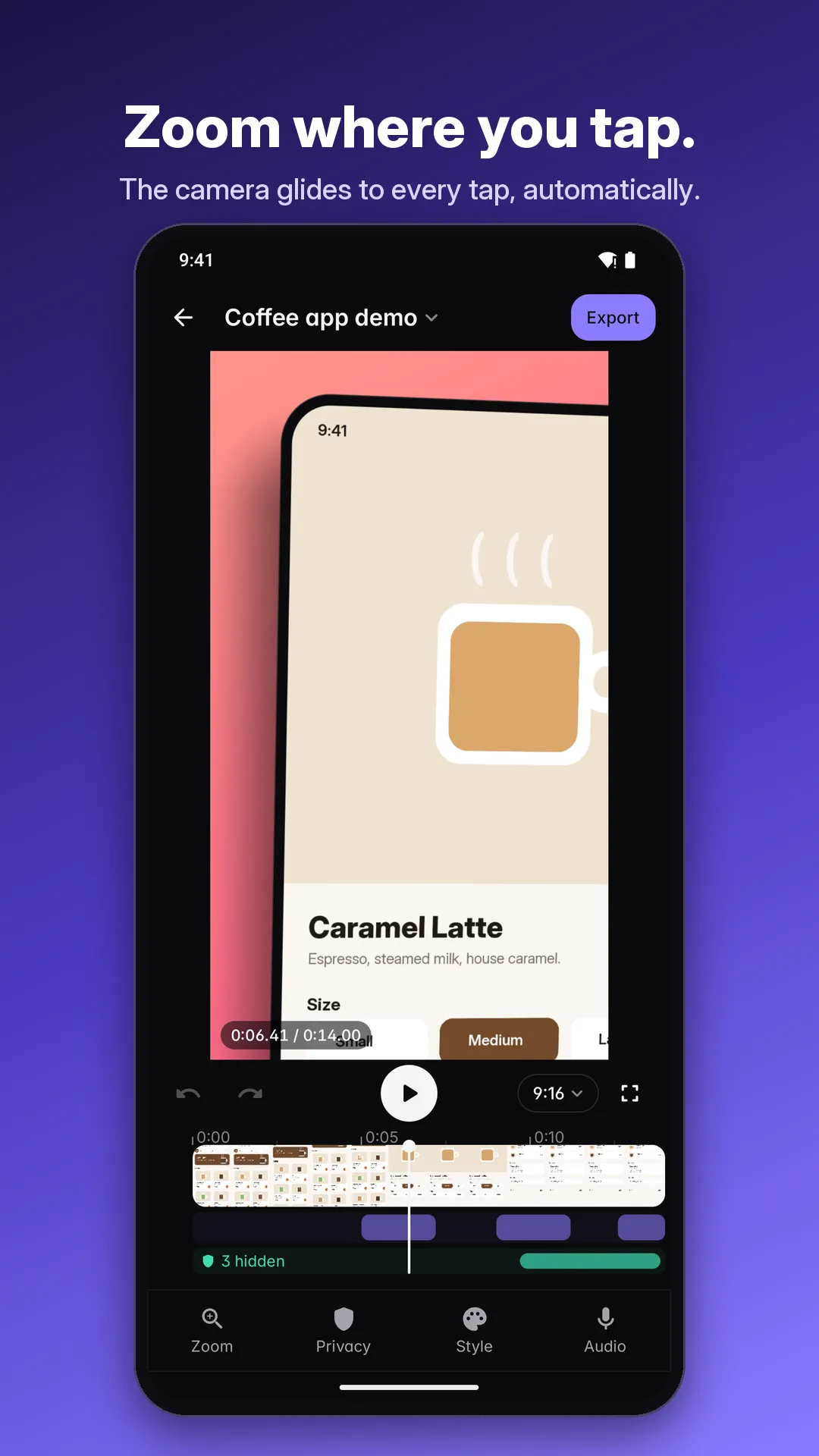
Tap any moment and the camera glides in with spring motion. Automatic suggestions from Android's "Show taps" circles.
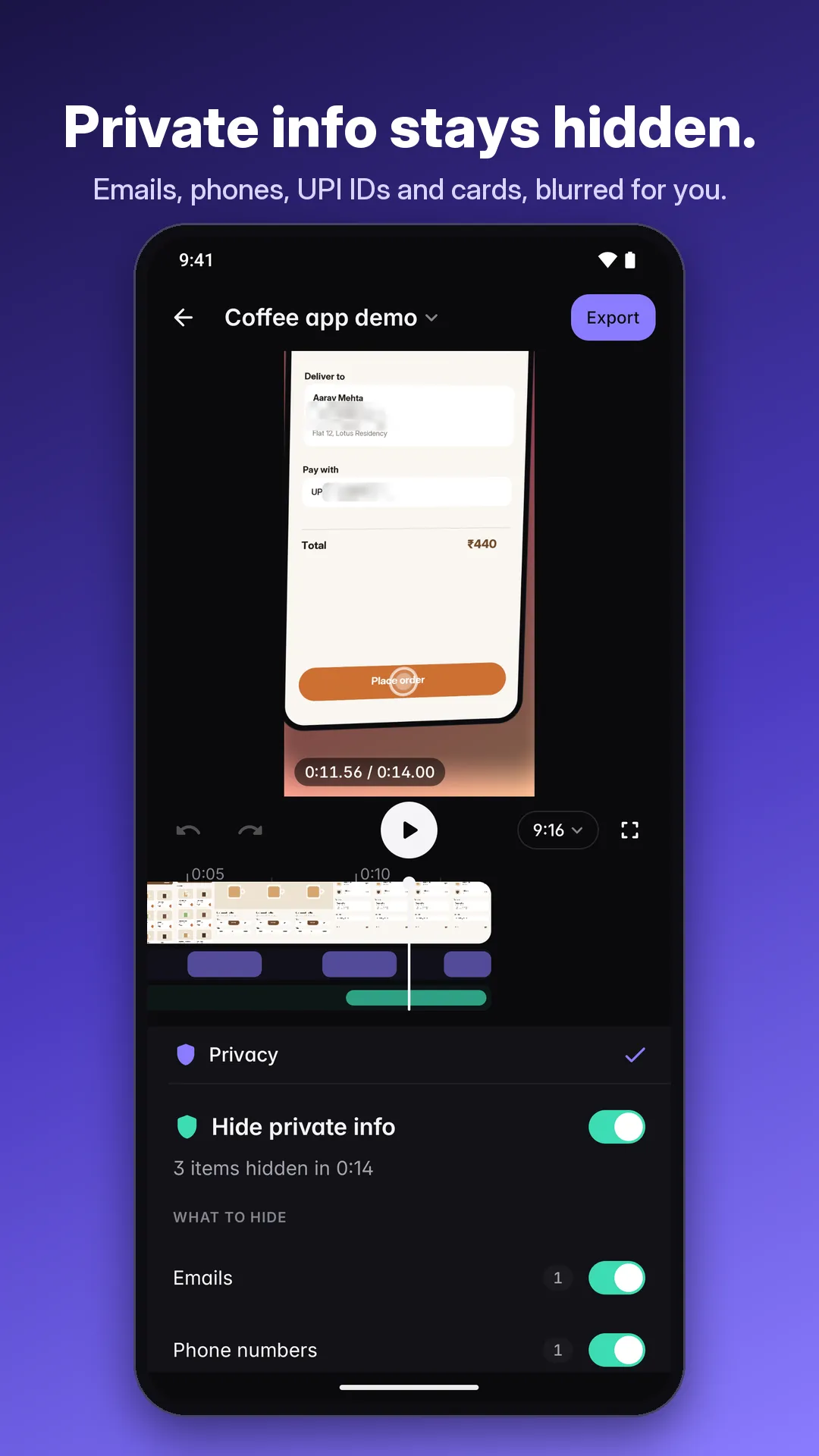
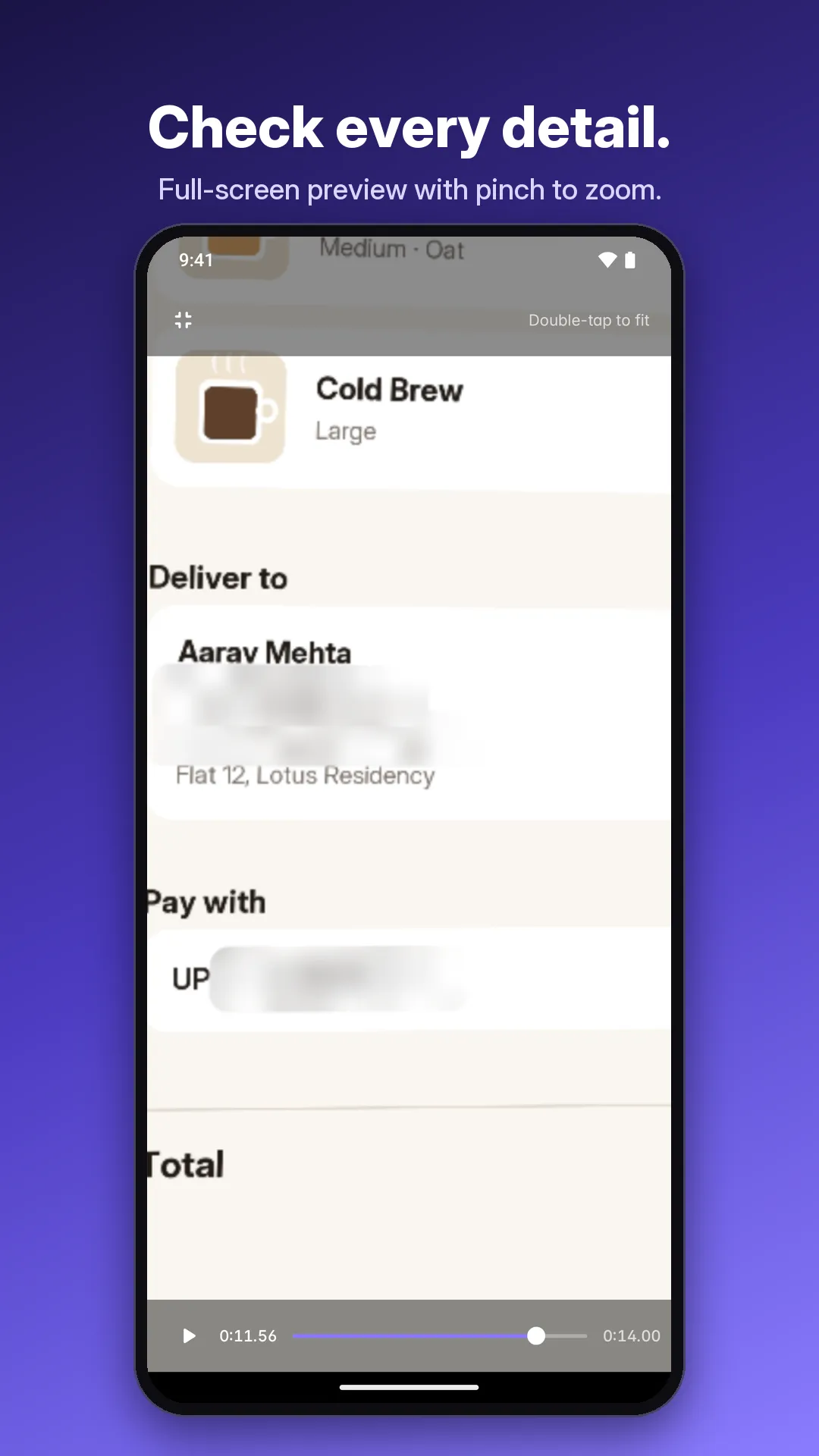
Emails, phone numbers, OTPs, UPI IDs, card numbers, balances and API keys are found and blurred — even while you scroll.
Add your name, address or company once; it's hidden in every video and stored with AES-256 on your phone.
Mic, app sound or both. 30 or 60 fps, pause and resume, floating stop button, and recovery if your phone restarts mid-record.
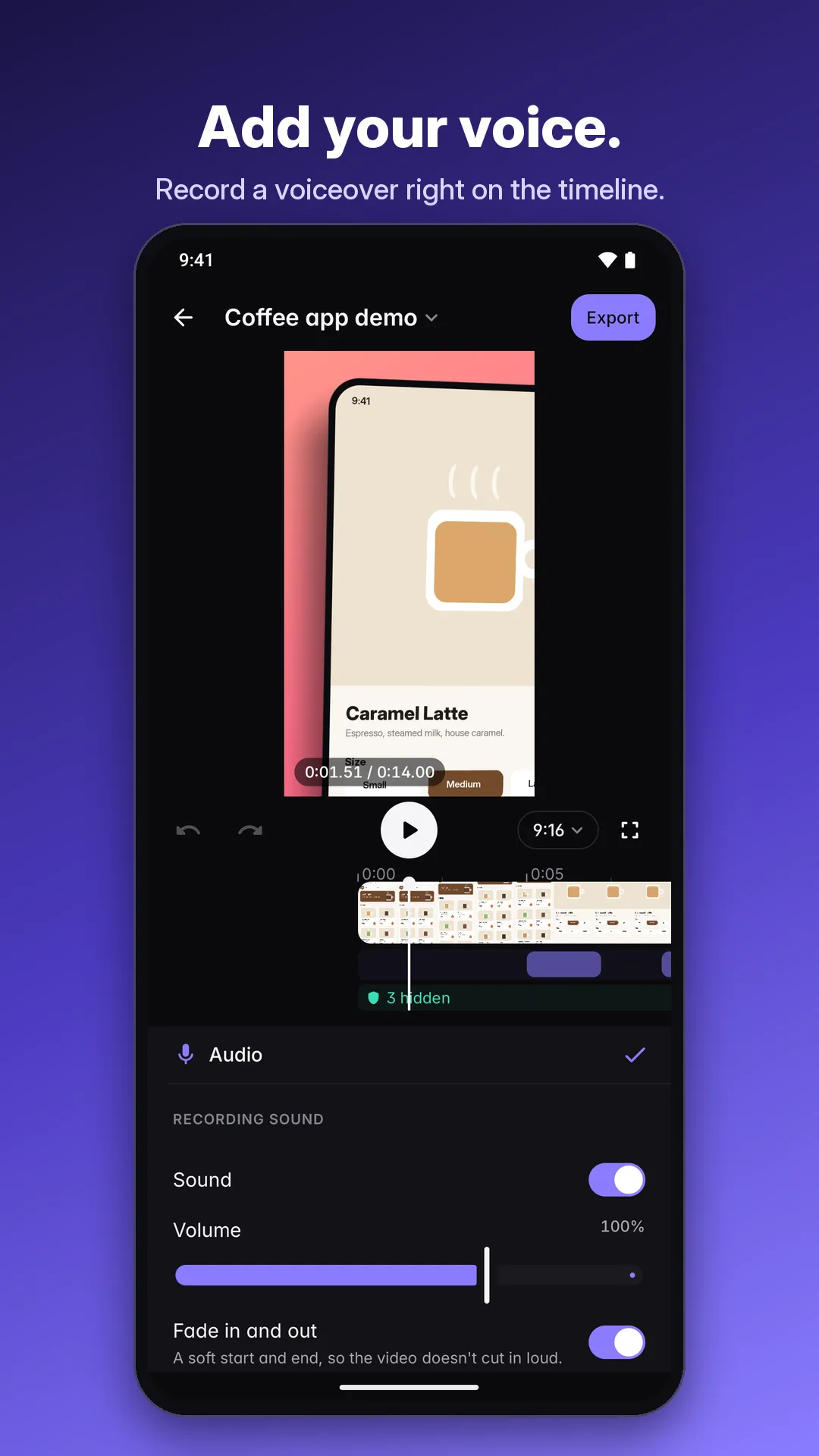
Volume, mute and smooth fades, plus narration recorded right at the playhead.
Beta
Join the beta list and we’ll send a Google Play testing invite when your spot opens.
Privacy
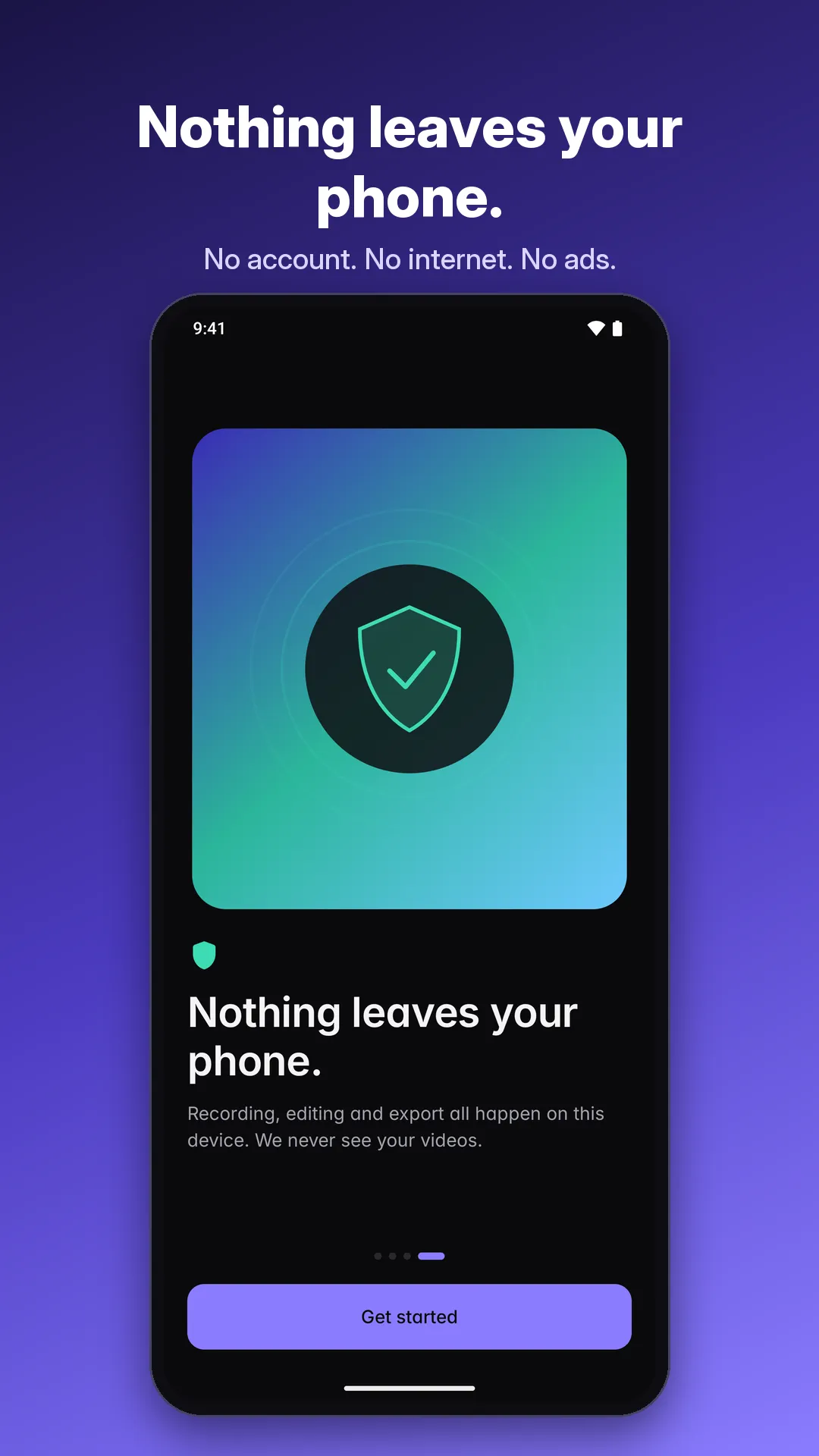
No internet permission, no ads, no analytics, no account. Recordings never leave your phone.
FAQ
Still stuck? Ask us directly — we reply within 2 working days.
No. SmoothRec doesn't have Android's internet permission, so it cannot send your videos, audio or detected text anywhere. Everything is processed on your phone.
Emails, phone numbers, one-time codes, UPI IDs, amounts, card numbers, API keys and any words you add yourself. Detection is a helper, not a guarantee — always review before you share, and add blur boxes by hand if needed.
The free version adds a small watermark and exports at 720p. SmoothRec Pro removes it and unlocks 1080p, 4K, frosted blur, Floating 3D and custom backgrounds.
Yes. Import any video through Android's photo picker. Your original is never changed.
SmoothRec is in testing now. Join the beta list and we'll send a Google Play testing invite when your spot opens.
More from Shivoham Play
Tap any card you own to freeze distracting apps. Only that card thaws them.

Perfectly matched Before & After photos and Reels, with a ghost of your Before.
