

BetaVideo & Creator
SmoothRec
Turn screen recordings into pro demos: phone frame, auto-zoom, private info blur.
- No internet permission
- No account

Photography · by Shivoham Play
Before & After photos that actually match. Line up the After against a see-through ghost of the Before — then export a branded collage or Reel.
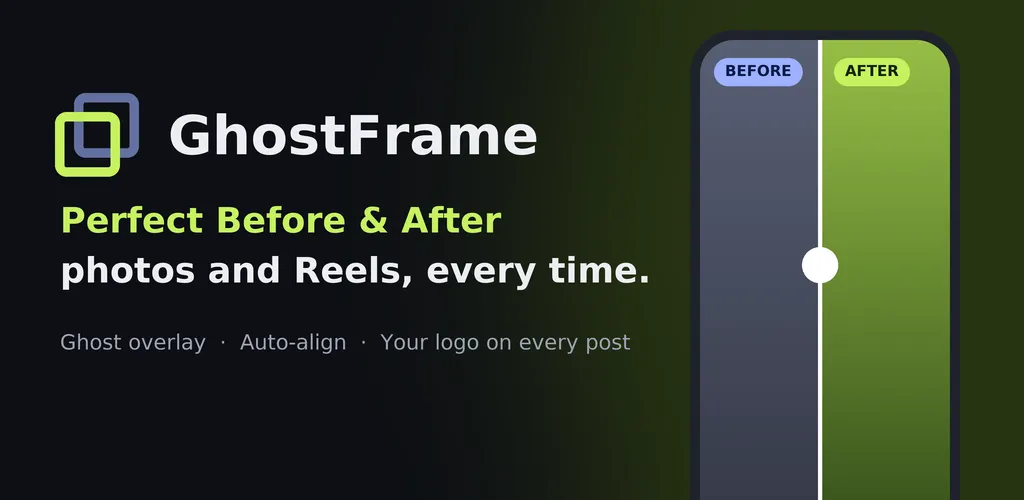
At a glance
GhostFrame is an Android camera for service professionals — detailers, salons, clinics, cleaners and painters — that shows your Before photo as a see-through ghost so the After lines up perfectly. It auto-aligns the pair on your phone and exports branded collages and swipe Reels, with no account and no cloud.
| Made for | Car detailers, salons and barbers, clinics, cleaners, painters and landscapers |
|---|---|
| What it does | Ghost-overlay camera, auto-align, branded collages and Before/After Reels |
| Cloud | None — photos never leave your phone |
| Price | Free with a small tag and ads · Pro removes them and adds your logo |
Real life
Show the shine from the exact same angle.
Face-aligned Before/After for every cut and colour.
Consistent progress photos across visits.
Prove the transformation, room by room.
How it works
When the client arrives. Name the job later.
The camera reopens with the same framing and a ghost of the Before.
A branded collage or swipe Reel, ready for Instagram and WhatsApp.
Features
Your Before sits on the live camera at adjustable strength, with a hold-to-compare button.
Lens, zoom and frame shape are restored automatically for every After, with a level guide matched to the Before.
Matches the shots for you, and aligns portraits on the face. Fine-tune by hand any time.
Side by side, top and bottom or a draggable split — plus wipe and cross-fade MP4 Reels.
Your logo and social handle on every export.
Repeat visits in one place, and a list of jobs still waiting for their After.
Coming soon
Leave your email and we’ll write once — the day it’s ready.
Privacy
No account, no cloud. Photos stay on your phone and alignment runs on the device. Free plan shows ads.
FAQ
Still stuck? Ask us directly — we reply within 2 working days.
No. GhostFrame has no account and no cloud. Photos stay on your phone, alignment runs on the device, and app data is excluded from backups.
It's launching on Google Play soon. Join the list and we'll email you once when it's live.
More from Shivoham Play
Turn screen recordings into pro demos: phone frame, auto-zoom, private info blur.

Tap any card you own to freeze distracting apps. Only that card thaws them.
